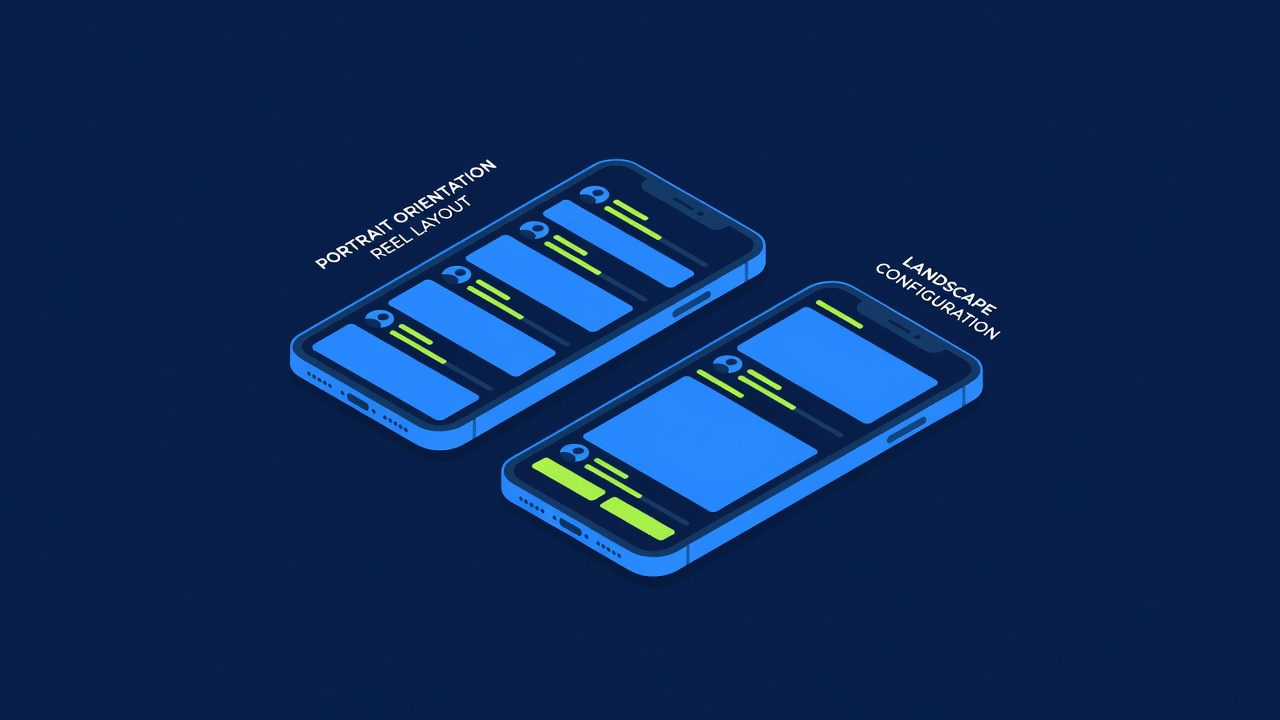

How to Install a Casino Web App on iPhone
Most online casinos are not in the Apple App Store. Instead, they distribute through web apps installed to your home screen. The process is simple. The security implications are worth understanding.
Why Web Apps Instead of App Store
Apple does not allow gambling apps in the iOS App Store, with narrow exceptions for established brands in specific jurisdictions. This policy dates back to 2010 when the App Store was new and Apple was cautious about liability.
Online casinos responded by building web apps. These are websites optimized for mobile that function like native apps once installed. The player adds them to their home screen. They launch like any other app. Internally, they are just web pages served over HTTPS.
This is not a workaround. It is a legitimate distribution method. The major operators: DraftKings, FanDuel, BetMGM, Caesars, all use web apps on iOS for casino products. The software is identical to the desktop version. Performance is usually better because the mobile-optimized CSS and JavaScript load faster on cellular connections.
The Installation Process
Open Safari on your iPhone. Navigate to the casino's website. Once the site loads, tap the Share button (the square with an arrow pointing upward). Scroll down until you see "Add to Home Screen." Tap it. Enter a name for the app icon (or use the default). Tap "Add."
The icon appears on your home screen. Tap it. The first time, the app loads as a web page. Subsequent taps launch it in a full-screen mode that hides Safari's address bar. This creates the illusion of a native app.
That illusion is mostly accurate. The web app has access to your device's storage, notification systems, and biometric authentication. It can store login information locally. It functions identically to a native app from the player's perspective.
The difference is that Apple is not distributing it, so Apple has limited liability for any gambling-related harm that occurs. This was the entire point of the policy.
What Happens in the Background
When you install a web app to your home screen, iOS stores a bookmark with specific metadata. The bookmark includes an icon, a name, and a URL. Nothing else is installed. No code runs that you did not explicitly agree to.
Each time you launch the app, your iPhone opens the URL using Safari's rendering engine. The casino's servers send HTML, CSS, and JavaScript. Your phone processes it identically to how it would process a regular website.
The HTML can request permission to send notifications. It can request access to your camera or microphone (though a reputable casino would not need these). It can store data locally using a browser feature called localStorage. This is where the casino stores your login session, so you stay logged in between launches.
None of this is hidden or deceptive. The browser's developer tools show all network requests and local storage data.
The Security Angle
A web app is only as secure as the website it points to. If the website uses HTTPS (indicated by a lock icon in the address bar), your traffic is encrypted in transit. The casino cannot see your password, but the casino's servers can.
A casino should store your password using strong hashing. Most licensed operators do. Unregulated offshore casinos sometimes do not. Before installing a web app, verify the casino is licensed. Check the Nevada Gaming Control Board database, the UKGC register, or the Malta Gaming Authority list.
Device security matters too. If your phone is jailbroken or compromised with malware, a casino web app offers no additional protection. A jailbroken phone can be read by code that runs without permission. An infected phone can have every keystroke captured before encryption happens.
If your phone is clean, iOS's sandboxing protects you. The web app runs in a restricted environment. It cannot access your email, contacts, or other apps' data.
Disconnecting from the App
Web apps are not installed in the traditional sense. They are bookmarks with special metadata. Removing the icon from your home screen does nothing to your local data. The browser's localStorage still contains your session information.
To fully remove the app and its stored data, go to Settings, then Safari, then "Clear History and Website Data." This deletes all cookies and local storage for all websites. You will be logged out of every service. This is probably overkill.
If you want to remove only the casino's data, you have to use the Safari developer tools (available on Mac if you enable them on iPhone, then connect via USB). This is more work than most players will do. In practice, people just delete the home screen icon and assume the data is gone. It is not.
The UX Reality
Web apps have improved significantly. Five years ago, the experience was noticeably slower and glitchy compared to native apps. Modern web apps are nearly indistinguishable from native apps for the tasks they are designed for.
The casino's web app handles fast-moving game action, real-time betting, and secure transactions. These are the core functions. The app handles them well.
There are occasional quirks. If your phone switches from Wi-Fi to cellular mid-session, the app might freeze briefly. If you have a weak connection, loading times can be noticeable. These are rare with modern network conditions.
For the average player, the web app experience is excellent.
Rooms for this read
Share this read